Bases de donnéesConnectez n'importe quelle base de données et analysez vos données instantanément·FichiersImportez des fichiers CSV ou Excel et explorez-les avec l'IA·ChatPosez vos questions en langage naturel — dialoguez avec vos données·Tableaux de bordCréez des dashboards interactifs à partir de vos requêtes en quelques secondes·IALaissez l'IA écrire le SQL à votre place·GraphiquesVisualisez les tendances avec des graphiques générés automatiquement·No-codeAucune connaissance SQL requise — demandez simplement en français·PartagePartagez vos dashboards en direct avec votre équipe en un clic·InsightsDétectez automatiquement les tendances et anomalies cachées dans vos données·ExportsTéléchargez vos résultats en CSV, Excel ou PNG instantanément·Bases de donnéesConnectez n'importe quelle base de données et analysez vos données instantanément·FichiersImportez des fichiers CSV ou Excel et explorez-les avec l'IA·ChatPosez vos questions en langage naturel — dialoguez avec vos données·Tableaux de bordCréez des dashboards interactifs à partir de vos requêtes en quelques secondes·IALaissez l'IA écrire le SQL à votre place·GraphiquesVisualisez les tendances avec des graphiques générés automatiquement·No-codeAucune connaissance SQL requise — demandez simplement en français·PartagePartagez vos dashboards en direct avec votre équipe en un clic·InsightsDétectez automatiquement les tendances et anomalies cachées dans vos données·ExportsTéléchargez vos résultats en CSV, Excel ou PNG instantanément·
AnalityQa
FonctionnalitésPar métierTarifsOutilsGuidesBlog
ConnexionCommencer
Blog›Comparison

AnalityQa vs ChatGPT Data Analyst

AnalityQa is built for recurring analysis: live database connections, persistent dashboards, team collaboration, and multi-source auto-joins. ChatGPT's code interpreter remains a great pick for ad-hoc, single-file exploration that doesn't need to live anywhere.
Try AnalityQa free →Jump to comparison table
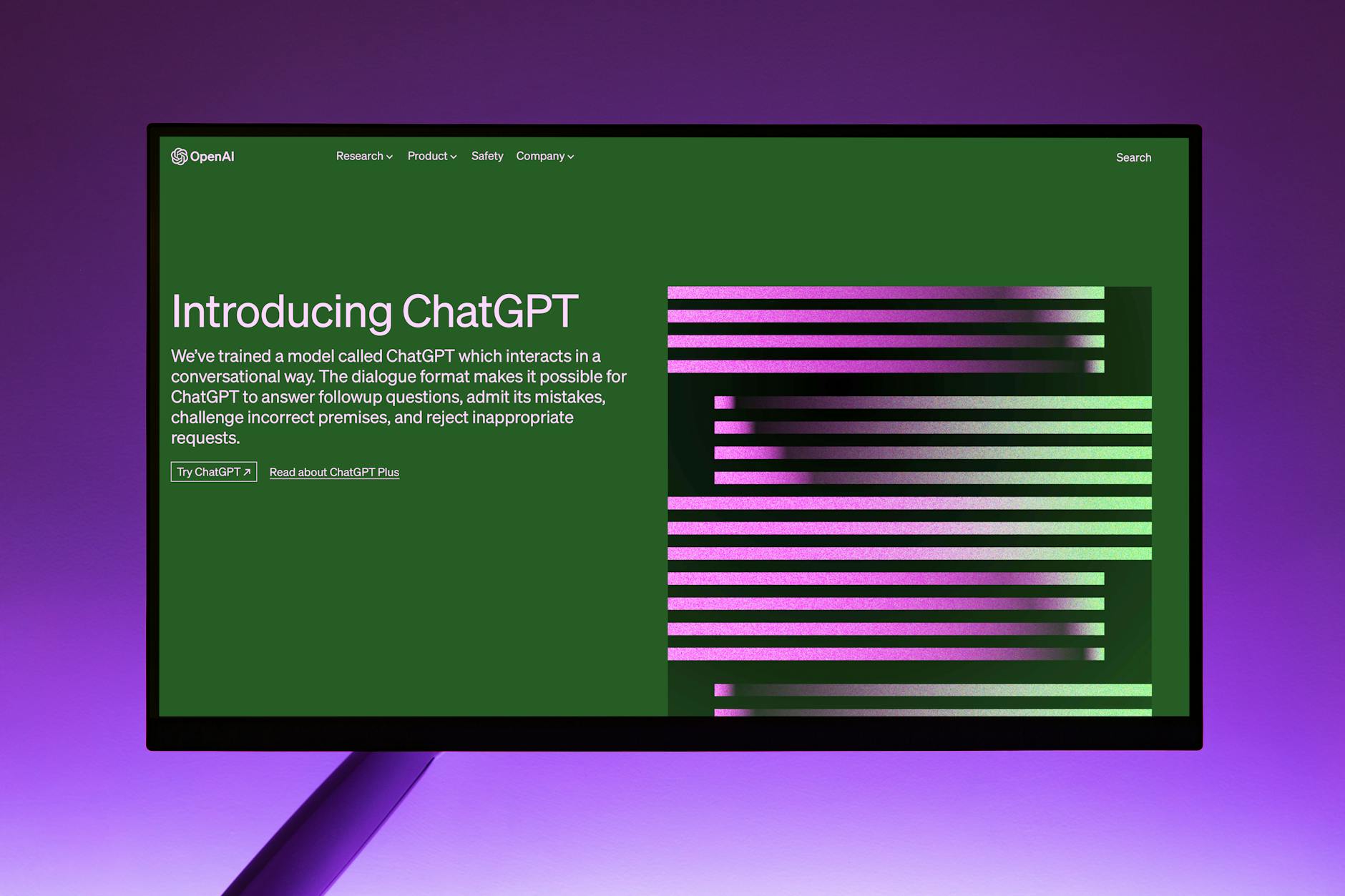
Computer monitor showing the OpenAI website with the introduction to ChatGPT

TL;DR — why teams switch from ChatGPT Data Analyst

  • →ChatGPT Data Analyst sessions are ephemeral — charts disappear when the conversation ends and there is no way to share a live dashboard with a colleague; AnalityQa produces persistent, shareable dashboards that update on a schedule.
  • →ChatGPT cannot connect to a live PostgreSQL, MySQL, or Google Sheets source; AnalityQa maintains live connections so every analysis reflects current data.
  • →Data uploaded to ChatGPT is processed under OpenAI's data policy; AnalityQa never uses customer data to train models, with a Data Processing Agreement available on all plans.

Where ChatGPT Data Analyst falls short

No persistent dashboards — every session starts over

Charts and analysis produced in a ChatGPT conversation exist only in that conversation. There is no way to pin a chart to a shared dashboard, set a title, or share a URL with a colleague. Teams that need recurring reports repeat the same analysis manually each time.

No live database connections

ChatGPT Data Analyst works exclusively with files you upload during the session. There is no mechanism to connect to PostgreSQL, MySQL, or any live data source. Analysis is always based on a snapshot, not current data.

No scheduled refresh or recurring reports

Because there are no persistent outputs and no database connections, there is no concept of a scheduled report. Every recurring analysis must be triggered manually with a fresh file upload.

Data privacy depends on OpenAI's policies

Files uploaded to ChatGPT are processed under OpenAI's data policy. For organizations with strict data governance requirements, this raises questions about data handling and processor obligations that OpenAI's standard terms do not always resolve cleanly.

Why teams pick AnalityQa

01

Persistent dashboards that teams actually share

Analysis in AnalityQa does not disappear at the end of a session. Charts are pinned to named dashboards, shared with team members via a URL, and updated automatically when the underlying data refreshes.

02

Live connections to databases and Google Sheets

Connect to PostgreSQL, MySQL, or Google Sheets and ask questions against data as it exists right now. No file export, no upload step, no stale snapshot.

03

Scheduled refresh for recurring reports

Set a refresh schedule on any dashboard and AnalityQa re-runs the underlying queries on that cadence. Weekly sales reports, daily operational metrics, and monthly reviews run without manual intervention.

04

Purpose-built data-prep for real-world files

AnalityQa scans uploaded files for missing values, type inconsistencies, and encoding problems before analysis begins. ChatGPT's code interpreter will attempt analysis on messy data but surfaces data quality issues reactively rather than proactively.

05

Multi-source auto-join

Combine a CSV, a database table, and a Google Sheet in a single analysis without writing join logic. AnalityQa detects the relationships. ChatGPT can write join code when prompted, but it requires the user to know the join keys and ask explicitly.

06

Private by design — no model training on customer data

AnalityQa encrypts data in transit and at rest, isolates workspaces per tenant, and never uses uploaded data to train models. A Data Processing Agreement is available on all plans.

07

Team collaboration without sharing a ChatGPT account

Workspaces in AnalityQa support multiple users with role-based access. There is no need to share login credentials or export screenshots to communicate findings. Colleagues see the same live dashboard.

Feature-by-feature

FeatureAnalityQaChatGPT Data Analyst
Natural-language chat
Yes — purpose-built for data, multi-turn
Yes — general-purpose, strong with code interpretation
Live database connection
PostgreSQL, MySQL, Google Sheets
Not supported — file upload only
File upload (CSV / Excel)
Yes, with data-prep copilot
Yes
Multi-source auto-join
Automatic across files and DBs
Possible via generated code when prompted explicitly
Forecasting
Built in, proactively suggested
Possible via generated code, not a native flow
Persistent dashboards
Yes — named, shareable, team-accessible
No — session-only
Scheduled refresh
Yes
No
Team collaboration
Workspace with role-based access
No — per-user conversations only
Data privacy (no model training)
Never trains on customer data, DPA on all plans
Standard OpenAI data policy applies
Learning curve
Low — data-focused interface
Low — familiar chat interface
Breadth of general AI capability
Focused on data analysis
Broad — writing, coding, research, data

When ChatGPT Data Analyst is still the right call

  • •You need a single ad-hoc analysis of a small file and have no intention of sharing the result or repeating the analysis — ChatGPT's code interpreter handles this with zero setup and no new account.
  • •You are already paying for ChatGPT Plus or a team subscription and your data analysis needs are occasional and file-based with no data governance obligations — adding another tool may not be worth the cost.
  • •Your analysis task is genuinely multi-modal — you need to analyze a file, then summarize findings in a document, then draft a slide title — ChatGPT handles all of this in one conversation where a purpose-built tool would require switching contexts.
  • •You need to write and run custom analysis code in a language or library that a purpose-built tool does not support — ChatGPT's code interpreter is more flexible in this respect.

Frequently asked questions

Is it hard to move from ChatGPT Data Analyst to AnalityQa?+

No. The same CSV and Excel files you uploaded to ChatGPT can be uploaded to AnalityQa. Database connections require entering credentials once. Because ChatGPT sessions produce no persistent outputs to migrate, the transition is mostly a matter of re-running your common analyses in the new interface.

Does AnalityQa replace a data analyst?+

It handles the repeatable parts of analysis — querying, joining, charting, refreshing — so analysts can focus on interpretation and strategy. It does not replace the judgment needed to frame the right questions or draw meaningful conclusions.

How does AnalityQa handle my data differently from ChatGPT?+

AnalityQa encrypts data in transit and at rest, isolates workspaces per tenant, and never uses uploaded data for model training. A Data Processing Agreement is available on all plans. ChatGPT's data handling is governed by OpenAI's standard policies.

Can my team use AnalityQa together?+

Yes. Workspaces support multiple users with configurable roles. Dashboard viewers, dashboard editors, and workspace admins each have different levels of access. SSO is available on business and enterprise plans.

What does AnalityQa cost compared to ChatGPT?+

ChatGPT Plus and Team plans give access to the code interpreter as part of a broader subscription. AnalityQa is priced specifically for data teams and covers workspace access, live connections, persistent dashboards, and scheduled refresh. The comparison depends on how much of ChatGPT's value you actually use for data work.

Can AnalityQa produce the same visualizations as ChatGPT's code interpreter?+

AnalityQa produces charts, tables, and dashboard layouts purpose-built for data presentation. ChatGPT's code interpreter generates visualizations via Python code, which is more flexible but less polished as a shareable output. For recurring team-facing dashboards, AnalityQa's output is more appropriate.

Does AnalityQa support SSO and enterprise identity?+

Yes. SSO via SAML and OAuth is available on business and enterprise plans, supporting standard identity providers.

Other comparisons

vs

Julius AI

vs

Tableau

See the difference for yourself.

Upload a file or connect your database — your first dashboard in under 5 minutes.

Try AnalityQa free →

No credit card required

AnalityQa

Votre data analyst IA — pour tous ceux qui ont des données et des questions.

Produit

  • Fonctionnalités
  • Tarifs
  • Blog
  • Outils gratuits

Société

  • À propos
  • Contact

Légal

  • Confidentialité
  • CGU

© 2026 AnalityQa AI. Tous droits réservés.

Tous les systèmes opérationnels